

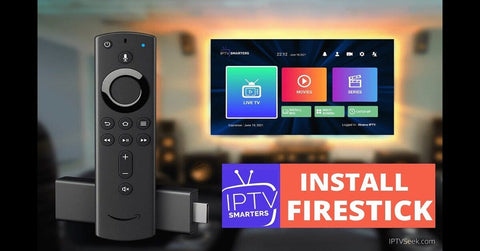
Step 1: Enable Apps from Unknown Sources
Before installing IPTV Smart Pro, you need to allow your Firestick to install third-party apps.
- Go to your Firestick Home Screen.
- Click on Settings (gear icon) in the upper-right corner.
- Scroll to My Fire TV or Device & Software and select it.
- Choose Developer Options.
- Enable Apps from Unknown Sources and ADB Debugging.
Step 2: Install the Downloader App
The easiest way to install IPTV Smart Pro on Firestick is through the Downloader app.
- Go to the Home Screen and select the Search icon.
- Type Downloader in the search bar and select it.
- Click Download to install the Downloader app.
- Open the Downloader app once installed.
Step 3: Download IPTV Smart Pro
Now that you have the Downloader app installed, follow these steps to download IPTV Smart Pro:
- Open the Downloader app.
- In the URL field, enter the following URL:
https://www.iptvSmart.com/Smart.apk(make sure the link is accurate). - Click Go.
- The app will start downloading. Once it’s done, you’ll be prompted to install it.
- Select Install.
Step 4: Open and Set Up IPTV Smart Pro
- After installation, click Open.
- Accept the Terms of Service.
- On the main screen, you’ll see options to Add New User.
- Choose Load Your Playlist or File/URL or Login with Xtream Codes API depending on your IPTV provider.
- Xtream Codes API: Enter the server URL, username, and password provided by your IPTV service.
- M3U URL: If your provider gave you an M3U playlist URL, choose this option and enter the URL.
- Once the credentials are entered, your IPTV channels and playlists will load up.
Step 5: Enjoy Streaming!
Now that IPTV Smart Pro is set up on your Firestick, you can browse through channels, watch live TV, catch up on your favorite shows, or enjoy movies and series provided by your IPTV service.
Want to Buy IPTV Services? Contact Us!
If you’re looking for a reliable IPTV subscription to use with IPTV Smart Pro, we’ve got you covered. Feel free to contact us through WhatsApp to learn more about our packages and services:
Click here to contact us via WhatsApp.